
Step-by-Step COMEDK Application Form Filling Guide
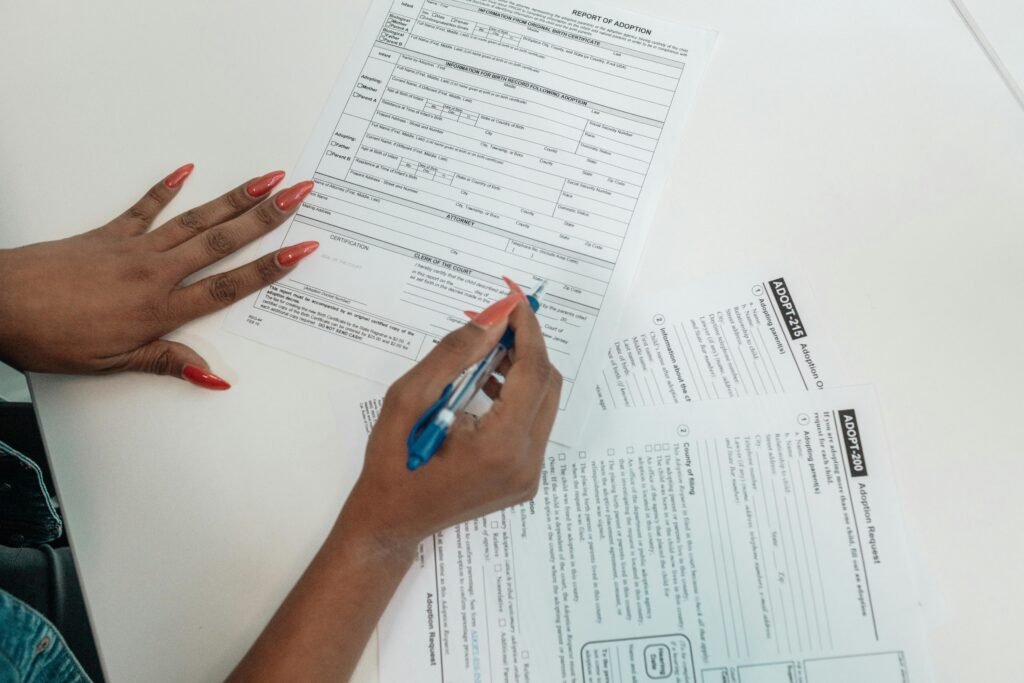
illing out the COMEDK application form correctly is the first crucial step toward securing admission in top private engineering colleges like COMEDK member institutes such as RV College of Engineering, BMS College of Engineering, and MS Ramaiah Institute of Technology. Every year, thousands of students make small mistakes while filling the form, which can lead to rejection or complications later. This step-by-step guide will help you complete the COMEDK application form smoothly and accurately.
🧾 Overview of COMEDK Application Process
The COMEDK application process is conducted online through the official website of the COMEDK. The form is usually released between February and March, and candidates are advised to complete it well before the deadline.
The entire process can be divided into the following stages:
- Registration
- Filling personal details
- Uploading documents
- Filling academic details
- Selecting exam cities
- Payment of application fee
- Final submission
🪪 Step 1: Online Registration
5
Visit the official COMEDK website and click on “Apply Online.” Begin by registering yourself with basic details:
- Full Name (as per Class 10 certificate)
- Date of Birth
- Email ID (active and accessible)
- Mobile Number
Once you submit these details, you will receive an OTP on your registered email and mobile number for verification. After successful verification, login credentials will be generated.
Important Tip: Use a valid email ID and mobile number, as all future communication from COMEDK will be sent here.
👤 Step 2: Filling Personal Details
After logging in, the next step is entering your personal information:
- Gender
- Nationality
- Category (General/OBC/SC/ST)
- ID Proof details (Aadhaar/Passport/etc.)
- Parent/Guardian details
Make sure all details match your official documents. Any mismatch can create issues during counselling.
📄 Step 3: Uploading Required Documents
6
You will need to upload scanned copies of specific documents. Ensure that they meet the prescribed format and size:
- Passport-size photograph (recent)
- Signature (on white paper with black/blue ink)
- ID proof
- Parent/Guardian signature (if required)
Key Guidelines:
- Images must be clear and not blurred
- File format is usually JPG/JPEG
- Follow size limits strictly
Incorrect uploads are one of the most common reasons for application rejection.
🎓 Step 4: Entering Academic Details
Now, fill in your educational qualifications:
- Class 10 details (Board, Year of Passing, Marks)
- Class 12 details (Board, Subjects, Marks/Expected Marks)
- School/College details
If you are appearing for Class 12 exams, you can select “Appearing” and update marks later (if required).
Ensure that:
- Marks are entered correctly
- Subjects like Physics, Chemistry, and Mathematics are properly mentioned
🏙️ Step 5: Selecting Exam Cities
5
COMEDK allows candidates to select preferred exam cities. You can typically choose 3 cities in order of preference.
Tips for selecting exam centers:
- Choose cities closer to your location for convenience
- Select multiple nearby options to increase chances
- Book early, as popular cities fill up fast
💳 Step 6: Payment of Application Fee
After filling all details, proceed to pay the application fee. The payment is usually done online through:
- Debit Card
- Credit Card
- Net Banking
- UPI
The application fee for COMEDK is generally around ₹1800 (subject to change).
Important Points:
- Ensure payment is successful before closing the page
- Save the payment receipt
- Do not refresh during payment
✅ Step 7: Review and Final Submission
5
Before final submission, carefully review your entire application:
- Check spelling of your name
- Verify academic details
- Confirm uploaded documents
- Ensure exam city preferences are correct
Once you submit the form, you may not be able to edit certain details.
After submission:
- Download the application form
- Take a printout for future reference
⚠️ Common Mistakes to Avoid
Many students lose opportunities due to small errors. Avoid these common mistakes:
- Using incorrect email or phone number
- Uploading unclear or wrong documents
- Entering wrong marks or personal details
- Waiting until the last date to apply
- Not checking eligibility criteria
📅 Important Dates (Expected)
Although exact dates vary each year, here’s a general timeline:
- Application Start: February
- Last Date to Apply: April
- Admit Card Release: May
- Exam Date: May/June
Always check the official website of COMEDK for the latest updates.
🎯 Final Tips for a Smooth Application
- Keep all documents ready before starting
- Use a laptop/desktop for better experience
- Ensure a stable internet connection
- Double-check everything before submission
- Apply early to avoid technical issues
🏁 Conclusion
Filling the COMEDK application form may seem complicated at first, but by following a structured step-by-step approach, you can complete it without errors. Accuracy and attention to detail are key to ensuring your application is accepted without issues.
Remember, COMEDK is your gateway to some of the best private engineering colleges in Karnataka, including RV College of Engineering and MS Ramaiah Institute of Technology. Taking the time to fill the application correctly is the first step toward your engineering career.